
Your cart is currently empty.

Typing "printing services near me" into a search bar might feel a bit old-school, but don't underestimate the power of something you can actually hold. A sharp-looking brochure or a quality business card creates a connection with customers that a fleeting digital ad just can't replicate.
Why Local Printing Still Hits the Mark
In a world overflowing with digital noise, professionally printed materials give you a serious edge. When was the last time someone handed you a solid, well-designed business card or you picked up a vibrant flyer for a local spot? That physical quality screams professionalism and makes your brand stick in people's minds.
This local touch is especially vital for businesses in hospitality, retail, or real estate. A restaurant in Auckland can team up with a printer down the road to get updated menus out for a seasonal special overnight. A real estate agent can have "Just Listed" flyers printed and in letterboxes within days, not weeks. That’s the kind of speed and hands-on collaboration you just don't get from a massive online-only company.
It's More Than a Transaction—It's a Partnership
Choosing a local printer isn't just about getting things done quickly; it's about building a genuine partnership. A good local expert becomes your go-to for advice on things you might not have even considered.
- Choosing the Right Feel: They can help you pick the perfect paper stock to make your promotional products feel premium, not flimsy.
- Adding the 'Wow' Factor: They might suggest a subtle matte finish or a glossy spot UV coating to make your new signage really pop.
- Smart, Cost-Effective Choices: They'll give you the straight-up advice on whether digital or offset printing makes more sense for your budget and the size of your print run.
Think of your local printer as an extension of your marketing team. They get the local scene and can help you create stuff that actually connects with your community, turning a simple print job into a real business asset.
The New Zealand printing industry has definitely seen some shifts. With the market projected to be around $1.4 billion by 2025 as digital communication grows, the landscape has changed. For anyone searching "printing services near me," it means the market is a bit tighter, but the printers who are still thriving are often the specialists who have really honed their craft. You can read more about the NZ printing industry's evolution on ibisworld.com.
Of course, for local printing to matter, customers have to be able to find you in the first place. This is where understanding solid local SEO strategies for service businesses becomes absolutely essential for connecting with clients right in your neighbourhood.
Finding the Right Local Printer in New Zealand
When you start searching for "printing services near me," it's easy to get lost in a sea of online results. The best way to cut through the noise? Start by talking to people in your own business community.
Think about the local businesses whose printed materials have caught your eye. That cafe with the beautifully designed menu or the real estate agent with those sharp, professional brochures? Ask them who they use. A personal recommendation from someone you trust is often far more valuable than a dozen anonymous online reviews. It’s a tried-and-true method for finding a printer who really delivers.
Assessing a Printer's Expertise and Quality of Work
Once you have a few names on your list, it's time to play detective. A printer’s portfolio is everything—it’s their track record, showcasing what they can actually do. Don't just glance at it; really dig in.
If you’re a retailer who needs eye-catching posters and in-store signage, look for strong examples of large-format printing. If you’re a hospitality business, check out their menus and loyalty cards. You’re looking for proof that they have experience in your specific area.
But it’s not just about finding similar projects. Pay close attention to the overall quality. Are the colours vibrant and consistent? Is the text crisp and easy to read, even on smaller items? A portfolio full of high-quality work, no matter the project type, shows a real commitment to craftsmanship.
This is where working with a local printer truly shines. It's about creating something tangible that people can hold and remember, which is a powerful way to build trust in your brand.
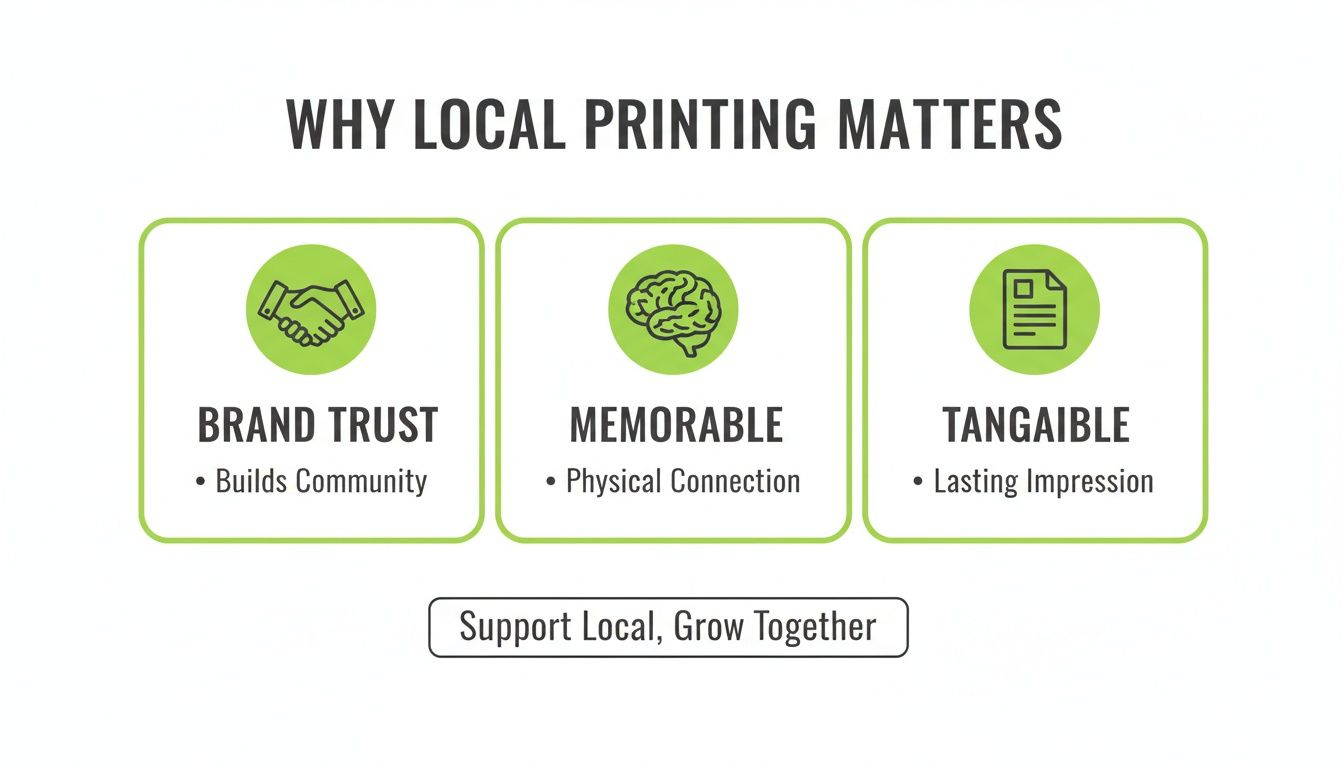
That physical connection is what makes print marketing so effective, and a good local partner is key to getting it right.
Choosing the Right Type of Printer for Your Needs
It's important to realise that not all printers are the same. They specialise in different things, and picking the right one depends entirely on your project's scope, budget, and timeline.
Your location in New Zealand also plays a big part. Printing services tend to be clustered in the main centres. As of February 2024, the Auckland region is home to 510 printing businesses, while a region like the West Coast has far fewer options. This might mean looking slightly further afield depending on your needs. You can dig into the numbers yourself and explore the geographic spread of NZ printers on Figure.nz.
To make sense of your options, here’s a quick comparison to help you choose the right type of printing service.
Comparing Local Printer Types
| Printer Type | Best For | Typical Turnaround | Price Point |
|---|---|---|---|
| Small Independent Shops | Custom projects, small-to-medium runs, and personalised service. Think unique business cards or bespoke packaging. | 3-7 days | $$ |
| Large Commercial Printers | High-volume orders like catalogues, magazines, and large-scale marketing campaigns. | 1-2 weeks+ | $-$$ (per unit) |
| Retail Print Franchises | Standard, quick-turnaround jobs like flyers, posters, and basic business cards. | Same-day to 2 days | $-$$ |
Ultimately, it’s all about finding the right fit. A small, local shop might be the perfect partner for crafting your boutique's unique promotional materials, giving you that hands-on attention. On the other hand, for a large-scale flyer drop across the city, a commercial printer’s efficiency and volume pricing just makes more sense.
Key Takeaway: Choosing the right printer is a balancing act between cost, speed, and specialised expertise. Match the printer's strengths to your project's specific needs to get the best possible result.
How to Vet and Choose Your Printing Partner
So you’ve got a shortlist of local printers. Fantastic. Now the real work begins, and it’s about a lot more than just getting the cheapest quote. You're looking for a partner, someone who gets what you're trying to achieve and can offer advice that actually helps, not just a company that hits "print" on a file.
The best way to start? Ask for physical samples. A website gallery is nice, but you can’t feel paper quality through a screen. Get your hands on their work. If you’re a real estate agent, ask to see their property flyers and brochures. If you run a cafe, check out their menus and loyalty cards.
Digging Deeper Than the Price Tag
Once you have those samples, really look at them. Is the paper stock flimsy or does it feel substantial? Are the colours vibrant and consistent? Look for blurry text or sloppy cutting—these small details tell you everything you need to know about their commitment to quality.
This is also your chance to see how much they actually know. Don't just email for a price; pick up the phone or drop by and start a real conversation.
- Talk Materials: Ask them to show you different paper weights and finishes. A great printer will happily explain why a glossy finish works for a vibrant flyer but a matte laminate might be better for your sophisticated business cards.
- Ask About Durability: Need a sign for outside your shop? Ask what they recommend. Can they suggest a vinyl that won’t fade after a few weeks under the harsh New Zealand sun? This is where real-world experience counts.
- Understand Their Process: Find out how they handle proofs. Will you get a digital PDF to sign off on, or can you see a physical "hard copy" proof before they print 500 of them? A solid proofing process is your safety net against expensive mistakes.
A printer who’s happy to share their knowledge is worth their weight in gold. They should be able to explain why one choice is better than another for your goal, whether it’s a durable outdoor banner or a premium business card that makes a killer first impression.
Key Questions to Ask Your Potential Printer
To make sure you're making the right call, have a few key questions ready. How they answer will tell you a lot about their service, their capabilities, and how they operate. Finding the right "printing services near me" means finding someone who can answer these with confidence.
- What’s your usual turnaround time for a job like this? This is crucial for planning your own marketing campaigns.
- Can you help me with file setup? A good partner will offer guidance on bleed, resolution, and colour modes to make sure the final product is perfect.
- What finishing options do you handle in-house? If they can do special finishes like foiling or die-cutting themselves, it can save you both time and money.
- What happens if there's a mistake? Knowing their policy on reprints or corrections gives you peace of mind.
- Do you offer delivery? This is a lifesaver for big orders, like a bulk shipment of promotional products or heavy signage.
Choosing a printer isn’t just about putting ink on paper. It's about finding a local expert who is invested in your success, ready to help you create materials that truly represent your brand and get you results.
Getting Your Artwork Ready for a Flawless Print
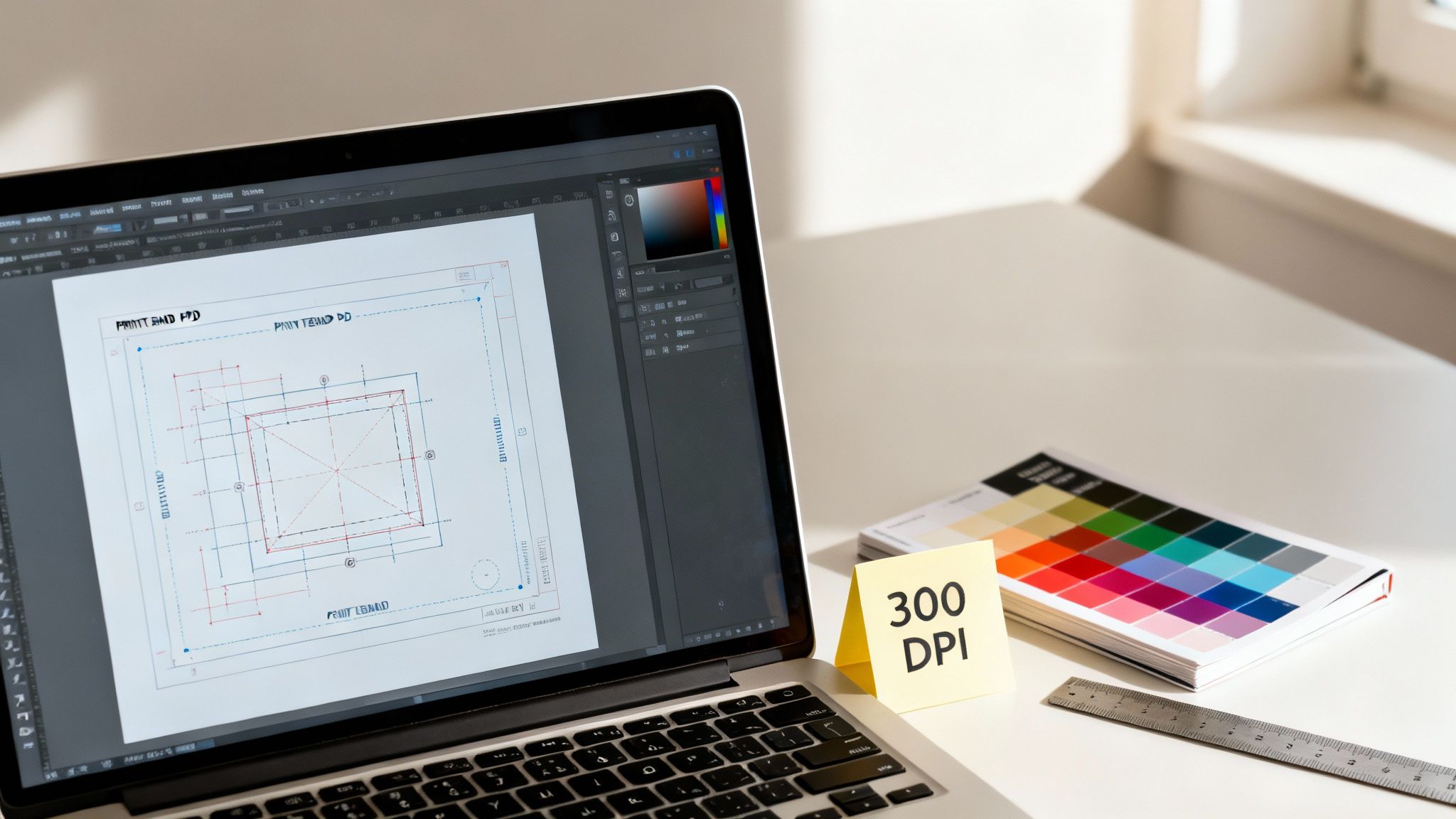
Sending a file that isn't print-ready is one of the most common—and totally avoidable—hiccups in the whole printing game. Trust me, getting your artwork set up correctly from the get-go saves a world of headaches, not to mention time and money. It’s what turns a brilliant design on your screen into a professional, tangible asset for your business.
Think of it like this: your digital file is the blueprint. If that blueprint is off, the final build will be too. By nailing just a few key details, you can hand over your files with total confidence, knowing you’ve set your project up for success.
CMYK vs. RGB: The Colour Conversation You Need to Have
One of the most frequent mix-ups we see is the difference between screen colour and print colour. Your computer monitor, phone, and TV all create colour by mixing Red, Green, and Blue light—this is the RGB colour mode. It's vibrant and perfect for anything digital.
Printers, on the other hand, build colour by mixing ink: Cyan, Magenta, Yellow, and Black (CMYK). Because these two systems work in fundamentally different ways, a design created in RGB can look surprisingly dull or shift in weird ways when it hits the press. To avoid that disappointment, always set your design files to CMYK right from the start.
Why Resolution and Bleed Are Absolute Must-Haves
Ever seen a printed photo that looked fuzzy and pixelated? That’s almost always a resolution problem. Graphics for the web are usually a low-res 72 DPI (dots per inch) so they load quickly, but that won't cut it for print. For a crisp, clear image on paper, you need a much higher density of information.
The industry standard is 300 DPI. An image that looks stunning on your website will turn into a blurry mess on a brochure if it doesn't have the proper resolution. A key step in prepping your files is understanding 300 DPI resolution for printing—it’s non-negotiable for a professional result.
Next up is bleed. Printers don't print on A4-sized paper; they print on massive sheets and then trim everything down. Bleed is a small margin of extra colour or image (typically 3mm) that extends past the final trim line of your design.
Bleed is your safety net. It guarantees that after the guillotine does its work, your background colour or image goes right to the very edge, leaving no ugly white slivers. If any part of your design touches the edge of the page, you absolutely need bleed.
The Best File Format to Send Your Printer
While you can send over all sorts of file types, there’s one that printers universally prefer: a Press-Quality PDF. It’s the gold standard for a reason.
- It’s self-contained. A PDF locks in all your fonts, images, and layout details into one neat package. This stops things from going sideways, like fonts being swapped out or images going missing when your printer opens the file.
- It’s universal. PDFs open correctly on just about any computer, so what you see is what your printer gets.
- It keeps things sharp. When saved correctly, a PDF protects the high resolution of your images and the integrity of your CMYK colours.
By taking a moment to export your final design as a press-quality PDF with the right resolution and bleed settings, you’re giving your printer exactly what they need. This simple checklist helps you dodge those back-and-forth emails and costly reprints, making sure your project sails smoothly from design to delivery.
Bringing Your Project Home: Proofs, Finishes, and Delivery
You’ve finalised the design and chosen your printer. Now for the exciting part—seeing your project transform from a digital file into a real, tangible product. This is where the details really matter. Getting the proofing, finishes, and logistics right is what separates a good print job from a great one.
The proof is your final safety net. It’s your last opportunity to spot any mistakes before the presses start rolling. Whether you get a digital PDF proof or a physical hard-copy, you need to check it with a fine-toothed comb. Don’t just give it a quick once-over for typos; that’s a rookie mistake that can lead to expensive reprints.
Seriously, slow down and look closely. Are all the phone numbers, addresses, and website links 100% correct? Are the logos and images crisp and clear, not fuzzy or pixelated? Do the colours on the proof match what you envisioned? This is your final chance to prevent any nasty surprises.
Adding That Extra Wow-Factor with Finishes
This is where the magic happens. A great finish can take a standard print job and turn it into something special that people actually want to hold onto. It’s about more than just looking good; it adds a tactile quality and can even make your materials more durable. This is a conversation you absolutely should have with your local printer.
Here are a few popular options that can really make your project sing:
- Lamination: This is a thin plastic film that adds protection and a premium feel. A matte laminate gives a sophisticated, smooth texture, perfect for high-end business cards. On the other hand, a gloss laminate makes colours vibrant and is brilliant for things like menus that need to be wiped down.
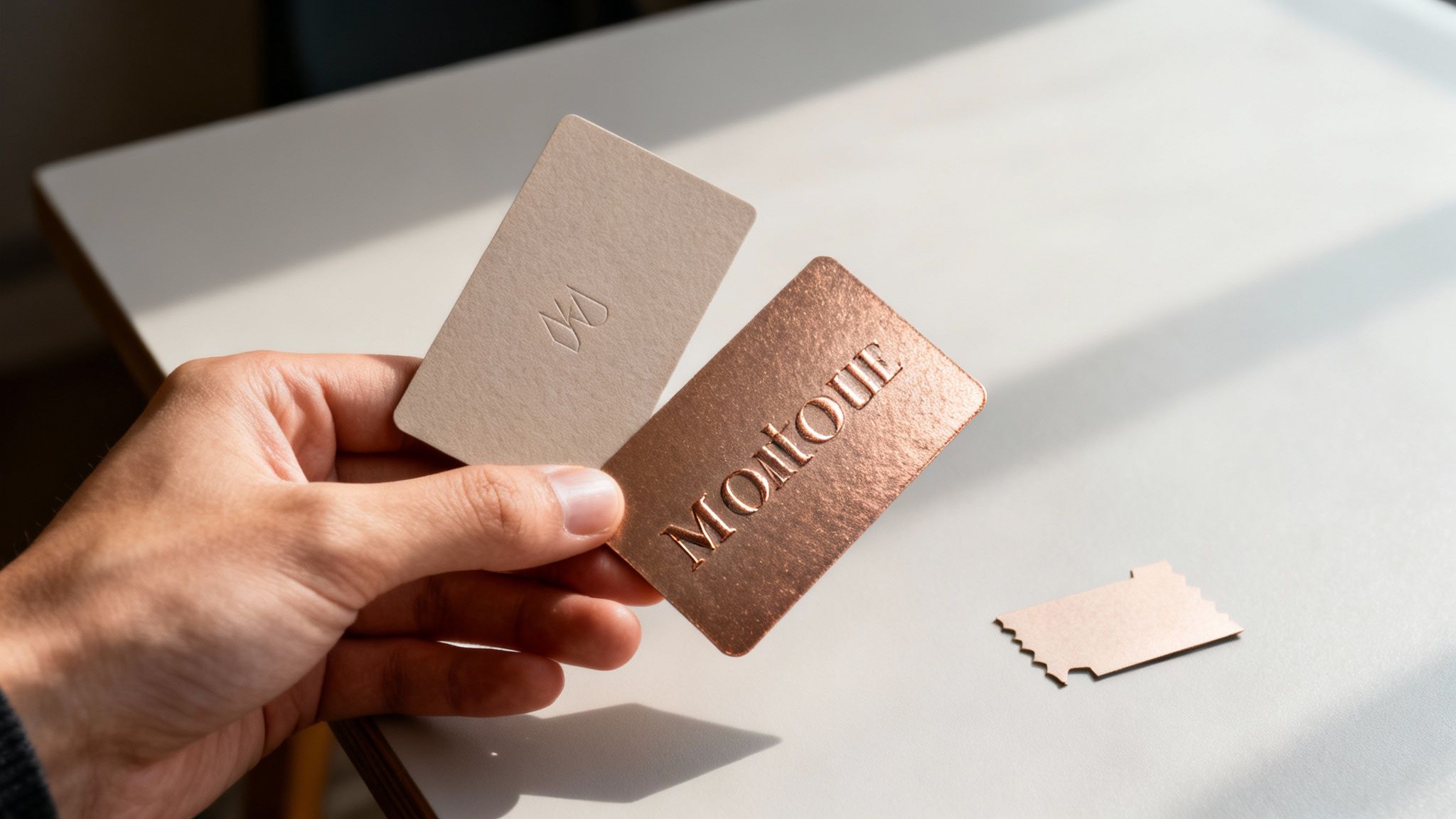
- Foiling: A classic for a reason. This process uses heat and pressure to apply metallic foil to parts of your design, creating a luxurious, eye-catching effect. It’s a go-to for wedding invitations, premium packaging, or highlighting a logo.
- Die-Cutting: Want to break out of the boring rectangle? Die-cutting lets you cut paper into custom shapes. Imagine a real estate flyer shaped like a house or a gift tag with a unique, curved edge. It’s a fantastic way to stand out.
A simple choice, like a soft-touch matte finish on a business card, can instantly communicate a sense of quality and professionalism before a single word is read. It’s a small detail that makes a big impact.
At SONI DESIGN, for instance, we often steer our hospitality clients toward gloss lamination for their menus because it holds up to spills and constant handling. For a real estate agent, we might suggest an embossed logo on their business cards to give that immediate impression of trust and quality.
Sorting Out the Final Logistics: Pickup or Delivery?
Alright, the last hurdle: getting your finished project. Most local printers will give you the option to either pick up your order or have it delivered. Which one is right for you really comes down to the size of the job, its fragility, and your own schedule.
For smaller runs, like a box of flyers or business cards, popping in to pick them up yourself is usually the quickest and cheapest way to go. It’s also a great chance to inspect the final product right there with the printer.
But if you’re dealing with something large, heavy, or awkward—like event signage, big boxes of catalogues, or intricate promotional items—delivery is your best friend. It saves you the hassle and ensures everything arrives safely and in perfect condition. Just make sure to confirm the delivery cost upfront to avoid any last-minute surprises on the invoice. A little clear communication at this stage ensures your project finishes on a high, ready to go out and impress.
Got Printing Questions? We've Got Answers
Finding the right local printer can feel like a mission. You search "printing services near me" and a dozen options pop up, each with its own jargon. To cut through the noise, here are the straight-up answers to the questions we get asked most by businesses here in NZ.
Getting your head around these basics is the key to a project that runs like a dream.
Digital vs. Offset Printing: What's the Real Difference?
This one comes up all the time. Think of it this way:
Digital printing is your best mate for speed and small-batch jobs. It prints straight from a digital file, kind of like a super-powered office printer. This makes it perfect for getting 200 flyers printed for a weekend market stall or a handful of personalised thank-you cards. Because there are no plates to make, it’s cost-effective for short runs and the turnaround is lightning-fast.
Offset printing is the heavy lifter. When you need thousands of catalogues, brochures, or business cards, this is your go-to. It uses metal plates to transfer ink, and while the setup takes a bit longer, the cost per item plummets on large orders. For big jobs, the colour consistency and quality are absolutely top-notch.
How Much Bleed Do I Actually Need for My Artwork?
The golden rule in the New Zealand print industry is 3mm of bleed on every side. Simple as that.
That said, it never hurts to quickly confirm with your printer. Their cutting gear might have its own little quirks.
What even is bleed? It's just a small safety margin of your background image or colour that extends past where the final cut will be. This tiny bit of extra ink ensures you get a clean, edge-to-edge finish with no annoying white slivers after trimming. It’s what makes the final product look sharp and professional.
Can My Printer Help Me with the Design Itself?
Absolutely. Most good local printers have in-house design skills, and it’s a resource you should definitely use. Whether you need a full-blown design concept from scratch or just need someone to give your files a final once-over, they've got your back.
- From Scratch: They can help you design a killer new sign or a clever promotional product.
- File Check & Fix: They’ll spot and fix common problems like low-resolution images or the wrong colour setup before it costs you money.
- Expert Eye: Sometimes, a small tweak to your layout is all it takes to make your message pop. They know what works.
Tapping into your printer’s design expertise is one of the smartest ways to avoid rookie mistakes and ensure your project looks a million bucks.
Why Do My Printed Colours Look Different from My Screen?
Ah, the classic "it looked different on my computer" problem. We see this a lot, and there's a simple, non-scary technical reason for it.
Your screen uses an RGB (Red, Green, Blue) colour model. It's creating colours by mixing light, which is perfect for glowing digital displays.
A printer, however, mixes physical inks using the CMYK (Cyan, Magenta, Yellow, Black) model. It's a completely different way of making colour. Because the two systems are fundamentally different, what you see on screen can look a bit off when it’s finally printed on paper. That’s why we always work in CMYK from the start—it’s the only way to get accurate, vibrant colours on the final product.
Ready to team up with a local printing partner who gets it? At SONI DESIGN, we live and breathe this stuff, from eye-catching signage to high-quality promotional products, all delivered with a personal touch. Let's create something brilliant together.
Take a look at what we can do for you at our official SONI DESIGN website.
Leave a Comment
Stay home & get your daily
needs from our shop
Start You'r Daily Shopping with Nest Mart