
Your cart is currently empty.

When you search for "printing near me," you're not just looking for a service to put ink on paper. You’re really looking for a partner, someone who can help bring your vision to life. The best local printer becomes an extension of your own team, offering personalised advice, real-world samples you can actually touch, and turnaround times that big online companies just can't compete with. This guide is all about showing you the real, tangible value of working with a local NZ expert.
Why a Local Printer Is Your Best Creative Partner
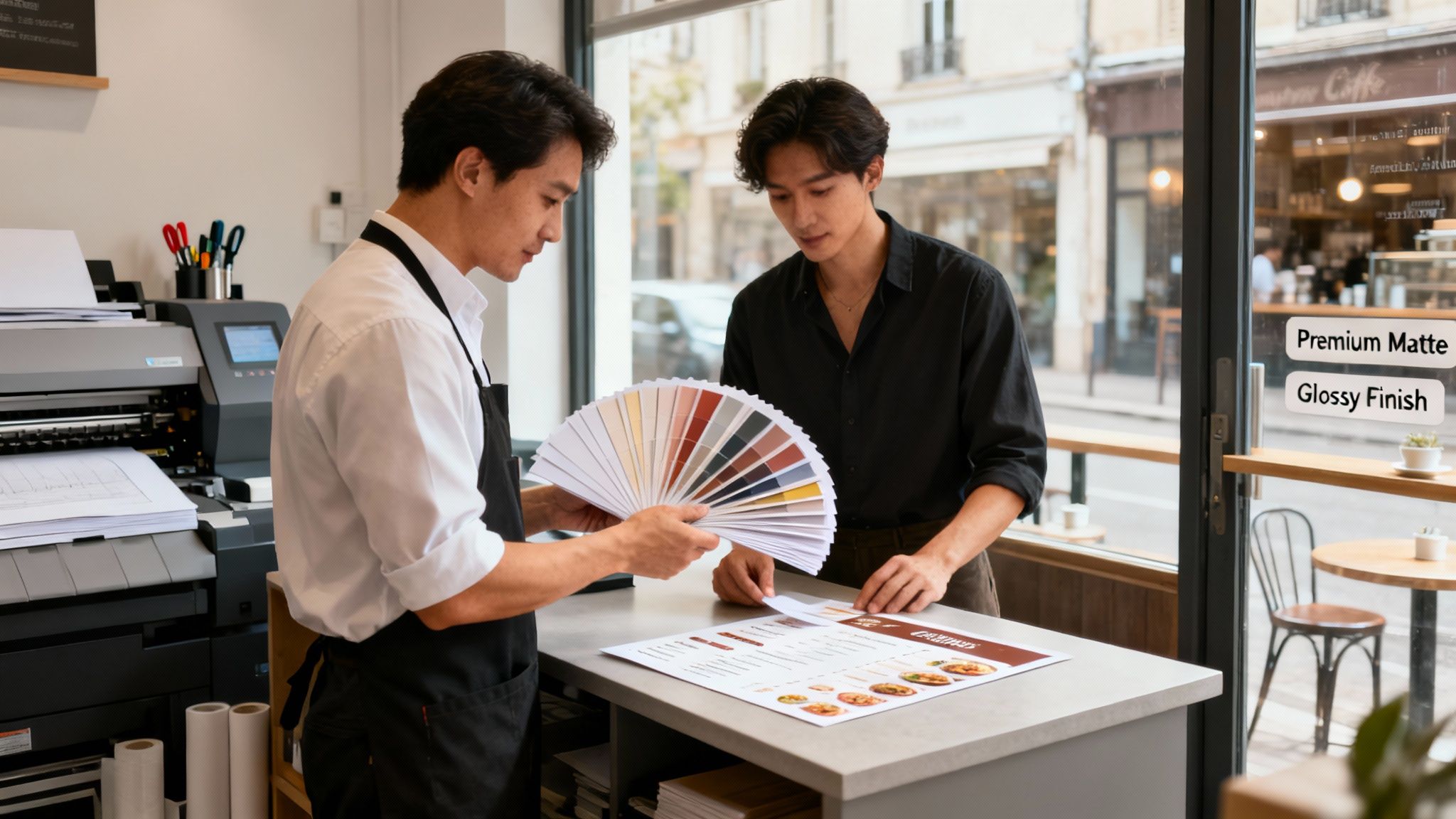
Choosing a local printer over some faceless online giant gives you clear advantages that directly affect the quality and success of your project. It's the difference between blindly clicking "upload" and hoping for the best, versus having a hands-on collaborator who's genuinely invested in your outcome.
Think about it this way: say you're a café owner in Wellington and you need new menus with a very specific, tactile feel. A local expert can walk you through different paper stocks, letting you feel the difference between a 250gsm silk finish and a heavier 350gsm uncoated card. That in-person interaction takes all the guesswork out of the equation and makes sure the final product fits your brand's atmosphere perfectly.
The Power of Proximity and Partnership
Or maybe you’re a real estate agent in Auckland who needs high-impact signage for a new listing, and you need it yesterday. Speed and local knowledge are everything. A nearby printer gets the local market and can often deliver much faster turnarounds—sometimes even same-day service for smaller jobs. That proximity builds a powerful partnership over time.
Your local printer isn't just a supplier; they are a problem-solver. They’re the ones who will spot potential issues with your files, suggest a more cost-effective paper stock, or recommend a finish like a laminate or spot UV that will make your design pop.
This collaborative approach is more important than ever. Over the past five years, New Zealand's printing industry has seen revenues decline by 2.2% annually as it adapts to digital changes. This shift has actually helped smaller, family-run operations like Soni Design stand out by offering the kind of personalised service that bigger companies have moved away from. You can explore more about these industry trends and see how local printers are adapting to thrive.
At the end of the day, working with someone local gives you:
- Tangible Quality Control: You can see, touch, and approve physical proofs and material samples before committing to the full print run. No more crossing your fingers and hoping the colours are right.
- Expert Guidance: You get to tap into years of hands-on experience, helping you avoid common mistakes and get a better final product.
- Faster Turnarounds: Being just around the corner often means quicker production and delivery, which is a lifesaver for time-sensitive projects.
- Community Support: Every dollar you spend with a local business helps strengthen your own community's economy. It’s a win-win.
How To Find The Right Local Printer In Your Area

Searching for "printing near me" on Google is a decent starting point, but let's be honest, it’s just the beginning. The real goal is to find a reliable partner—a creative ally who understands your vision and can deliver fantastic results time and again.
Before you even open a browser tab, tap into your own network. Who do your business contacts, designer friends, or marketing colleagues recommend? A genuine referral is worth its weight in gold; it’s a trusted voice telling you about their actual, real-world experience.
Dig Deeper With Online Research
Once you have a few names, it's time for a bit of online snooping. A professional, modern website is a great first impression. Dive straight into their portfolio. Does their work match the quality and style you're after? If you need stunning brochures, look for examples of those, not just a gallery full of business cards.
Next, hunt for genuine client testimonials and case studies. These are absolute goldmines of information. You’re looking for specific praise, not just generic five-star ratings. Look for comments that mention things like:
- Their keen eye for detail
- Helpful advice on paper stocks
- Hitting a tight deadline without breaking a sweat
- Fantastic communication from start to finish
This kind of feedback tells you a much richer story about what it's like to work with them.
Consider Your Geographic Reality
Here in New Zealand, the printing industry is pretty concentrated. Out of 767 printing businesses nationwide, a whopping 64% (495) are based in Auckland. Wellington and Canterbury are the next biggest hubs. This means if you're in a major centre, you’re spoiled for choice. But if you’re in a more regional spot, a printer with reliable and affordable delivery might be your best bet.
Pro tip: Never underestimate the power of a quick visit. Popping into the print shop lets you see their gear in action, feel the different paper samples, and have a proper chat with the team. It’s a simple step that reveals a lot about their passion and professionalism.
Finding a great local business, whether it's a printer or another specialist, comes down to smart research. In fact, you can often apply similar strategies for finding local service providers across different industries. Putting in the effort now to build a solid shortlist is what sets you up for a brilliant final product.
Getting a Feel for Quality, Cost, and Speed
Alright, you've got a shortlist of local printers. Now comes the real work: figuring out which one truly fits your project. It's a classic balancing act between three things: how good the final product looks, what it's going to cost you, and how fast you can get your hands on it. Nailing this balance is everything.
Let's start with quality, because what you see on your monitor is often a world away from what comes off the press. This is why I always insist on getting physical samples. Don't be shy—ask the printers for examples of their work, especially projects that used the kind of paper stocks or finishes you're thinking about.
Getting Hands-On with Print Quality
You need to actually hold the samples. Feel the difference between a hefty 300gsm uncoated card and a slick 150gsm gloss paper. It’s night and day. Look really closely at the print itself. Are the colours rich and accurate? Is the text sharp, even the tiny stuff? This tactile check is your single best tool to avoid a bad surprise later.
Think about the context. If you're a marketing manager rushing out flyers for a weekend sale, speed is probably key, but you still need those colours to pop. On the other hand, if you're a new business wanting to make a killer first impression with your business cards, you’ll want to prioritise that thick, luxe paper and a perfect finish, even if it costs a bit more or takes an extra day.
Making Sense of the Price Tag
Price is obviously a huge factor, but the lowest number on a quote doesn't always mean the best deal. To really compare apples with apples, you need a detailed, itemised quote from each printer. A pro will have no problem breaking down exactly what you're paying for.
Your quote should clearly list things like:
- Printing Costs: The core price for your chosen quantity.
- Paper Stock: The specific cost for the material you’ve selected.
- Finishing: Any extra touches like laminating, folding, or binding.
- Setup Fees: A one-time charge for getting the job ready.
- Delivery Charges: If you’re not collecting it yourself.
A quick tip: if a quote looks a bit too simple, ask questions. Vague pricing can sometimes hide extra charges that suddenly appear on the final bill—things like fees for a second proof or minor file tweaks. Honest, transparent pricing is a massive green flag.
To help you weigh your options, we've put together a table that breaks down what to look for—and what to watch out for—when you're talking to potential printers.
Comparing Local Printer Attributes
| Evaluation Factor | What To Look For | Red Flags To Avoid |
|---|---|---|
| Print Quality | Vibrant colours, crisp text, high-quality paper samples. | Faded colours, blurry text, flimsy or cheap-feeling samples. |
| Price | Detailed, itemised quotes with no hidden fees. | Vague pricing, unwillingness to break down costs. |
| Turnaround Time | Clear, realistic timelines and good communication. | Vague promises like "soon" or consistently missed deadlines. |
| Proofing Process | Offers both digital and physical proofs; patient with edits. | Charges for every minor correction; rushes you to approve. |
| Customer Service | Friendly, knowledgeable staff who answer questions clearly. | Unresponsive communication, dismissive attitude. |
Using a checklist like this helps you move past the sales pitch and focus on the practical details that will make or break your project.
Nailing Down Timelines and the Proofing Process
Last but not least, you need a firm date. When will the job be done? A printer's schedule can be unpredictable, so be direct. A great question to ask is, "If I sign off on the proof this afternoon, when can I expect the finished order to be ready?"
The proof is your final safety check. You'll almost always get a digital proof (usually a PDF) to look over for typos, layout problems, or any other mistakes. For anything where colour is critical, I strongly recommend asking for a physical proof. Yes, it might cost a few extra dollars, but seeing one real-life copy before printing hundreds is the best insurance policy you can buy. It's your last chance to catch an error before it becomes a very expensive problem.
Preparing and Submitting Your Print-Ready Files
Even the best printer in New Zealand can't work magic with a poorly prepared design file. Giving your printer a "print-ready" file is the single most important thing you can do to guarantee what you see on screen is exactly what you get in your hands.
Think of it as the technical handshake between your creative vision and their machinery. Getting this step right means no frustrating delays, no surprise costs, and no disappointing results. You're essentially giving a chef perfectly prepped ingredients instead of a random bag of groceries, allowing them to create something amazing right away.
The Foundations of a Print-Ready File
Let's cut through the technical jargon. Your design software has a million options, but only a handful truly matter for professional printing. Nail these basics, and you’ll avoid the common traps that derail so many projects.
First up: file format is king. You might be designing in Canva or Adobe Illustrator, but what your printer needs is almost always a High-Quality Print PDF. This format essentially locks in all your fonts, images, and layout elements, so nothing moves, changes, or disappears when they open it on their system.
Next is the colour mode. Your computer screen, phone—basically any digital display—uses RGB (Red, Green, Blue) light to show colour. Commercial printing presses, however, run on CMYK (Cyan, Magenta, Yellow, Black) ink. If you send an RGB file, the printer's software has to guess how to convert the colours, often resulting in a dull or muddy-looking final product. Always start your design document in CMYK mode.
A classic mistake is designing a whole project in RGB and only switching to CMYK at the very end. This can completely change your brand’s vibrant blue into a muted purple. By starting your design in CMYK, you're working with the actual ink colours from the beginning.
Resolution, Bleed, and Crop Marks Explained
Ever seen a printed photo that looked blurry or jagged? That's almost always a resolution problem. For sharp, professional-looking prints, every image in your file needs to be 300 DPI (dots per inch) at the size it will be printed. Most images you grab from a website are only 72 DPI, which looks fine on a screen but will look pixelated on paper.
Finally, let's talk about bleed and crop marks. Bleed is a small border of extra background colour or image that extends past the final trim line of your design. Trimming machines are precise, but not perfect. A 3-5mm bleed ensures that if the cut is a fraction of a millimetre off, you won’t see an ugly white sliver on the edge of your business cards or flyers.
Your printer also needs crop marks. These are tiny lines in the corners of your PDF that show them precisely where to trim the paper. Most design programs can add bleed and crop marks automatically when you export your file.
Here's a simple way to visualise the key considerations, from checking the quality of your file to the final output.
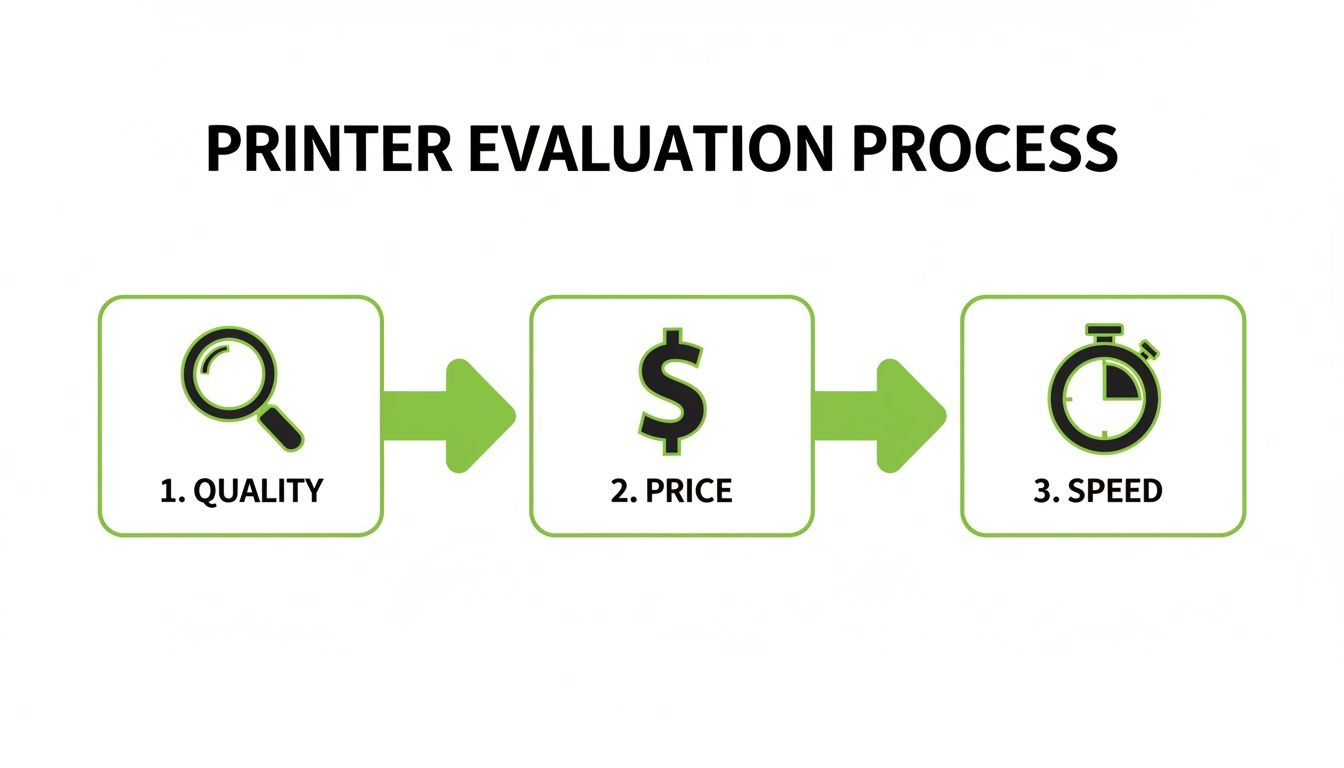
This process shows that balancing quality, price, and speed isn't about making separate choices—it's about understanding how they all work together to get the best result for your project.
Choosing Between Pickup or Delivery Options
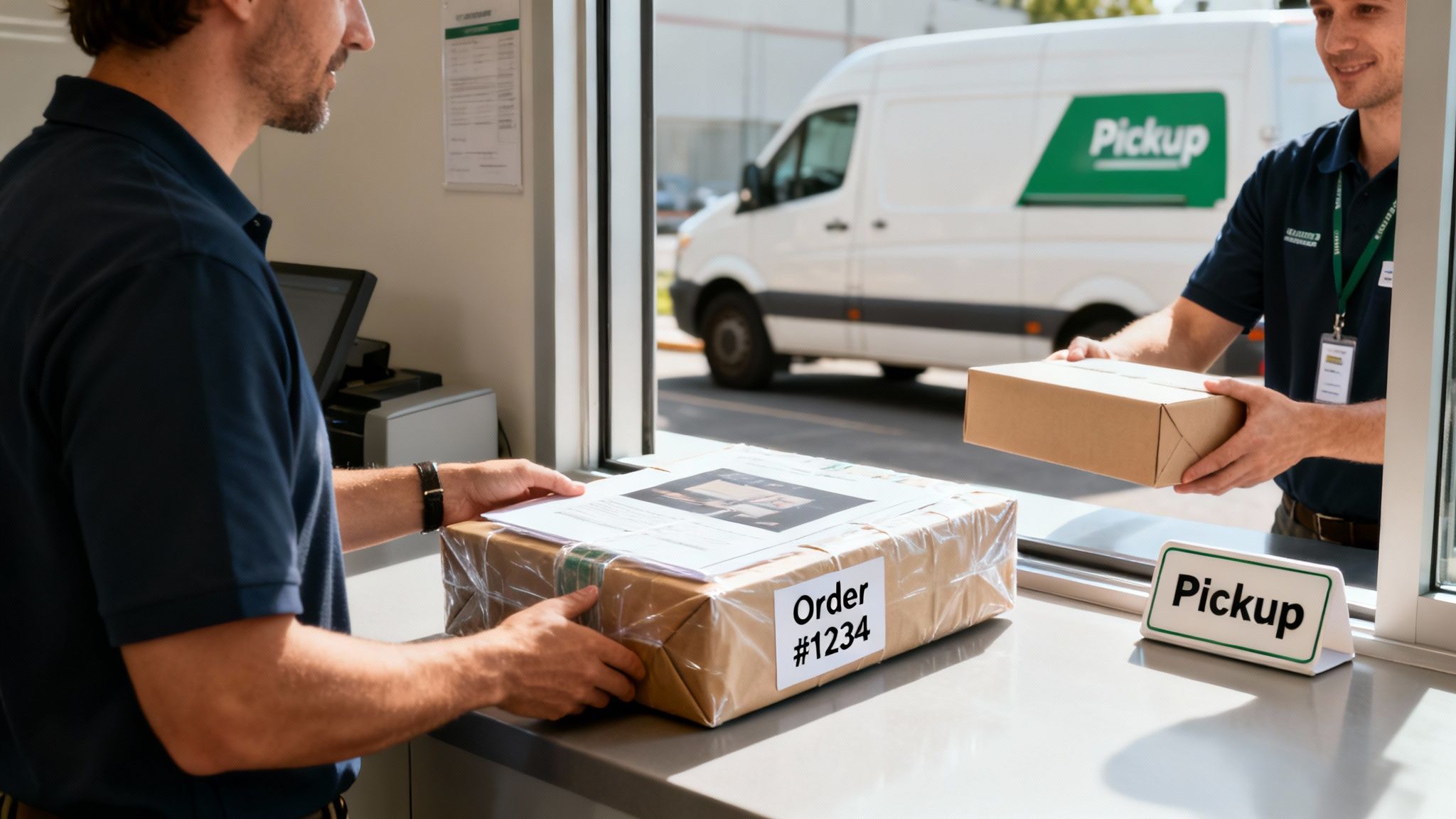
You’ve signed off on the proofs and the job is done—now for the final, exciting step. But should you swing by and collect your prints, or have them delivered?
There’s no single right answer. It’s a classic trade-off between convenience, cost, and your own peace of mind. The best choice really boils down to your location, schedule, and what you’ve ordered.
If your business is just around the corner from the print shop, popping in to pick up your order is usually the smartest move. You’ll save on delivery fees, which is always a bonus. More importantly, it gives you a crucial chance to eyeball the final product right there and then.
Got a problem with the colour on your new brochures? Notice a slight issue with the finish on your business cards? You can sort it out with the team on the spot before you walk out the door. That immediate quality check is something a courier drop-off just can’t offer.
When Delivery Is the Smartest Move
On the flip side, sometimes convenience is king. If you’re juggling a hectic schedule or your business is a bit further afield, getting your prints delivered straight to your doorstep is a lifesaver.
Delivery is also a no-brainer for big, awkward jobs. Let’s be realistic—you’re not going to fit a dozen large-format event banners or a stack of corflute signs in the back of your car. A professional delivery service ensures those bulky items arrive safely and in one piece. When you do opt for delivery, it helps to understand what a tracking number is so you can keep an eye on your order's progress.
Here’s a quick way to weigh it up:
- Order Size: A box of flyers is easy to grab. A massive sign? Let the pros handle it.
- Urgency: If you’re nearby and need it ASAP, pickup is often quickest.
- Your Location: The further away you are, the more appealing delivery becomes.
The Rise of Print-on-Demand Fulfilment
There’s another model that’s completely changing the game for e-commerce businesses and creators: Print-on-Demand (POD). This isn't just about printing; it’s about a fully integrated fulfilment service.
Imagine a customer buys a t-shirt from your website. With POD, that order goes straight to the printer, who then prints, packages, and ships it directly to your customer. You never even have to touch the inventory.
While traditional printing has faced challenges, the print-on-demand subsector in New Zealand has blossomed into a vibrant $120 million industry, powered by the growth of e-commerce.
This approach is a massive deal for small businesses and artists. With POD services concentrated in hubs like Auckland, Wellington, and Christchurch, it’s easier than ever to sell custom products all over the world without the headache of managing stock or logistics. It seamlessly connects your online shop to a powerful printing and delivery network.
Questions You Must Ask Before Placing Your Order
Good communication is the secret sauce for a flawless print job. Believe me, a great printer wants to get your project right just as much as you do. Asking the right questions before you commit is the best way to prevent misunderstandings or costly mistakes later on.
Think of it as setting the stage for a smooth process. A few smart questions can turn you from a regular customer into an informed client, ensuring the final product matches the vision in your head. It’s a simple step that saves a massive amount of time, money, and stress.
Clarifying The Technical Details
First up, let's talk files. Every print shop has its own specific workflow, and getting in sync with theirs from the get-go makes everything run like clockwork. The golden rule? Never assume.
Here are the technical questions I always recommend asking:
- "What's your preferred file format for submission?" A high-quality PDF is usually a safe bet, but some printers need specific export settings. It’s always best to check.
- "Do you have a checklist I can use to prepare my files?" Many professional print shops offer a simple guide that covers the essentials like bleed, resolution (300 DPI is standard), and colour mode (CMYK, not RGB). This is a lifesaver for avoiding common mistakes.
- "Who should I talk to if there's a problem with my file?" Knowing your direct point of contact saves you from the runaround if a quick fix is needed.
Asking these questions does more than just get you information; it shows the printer you’re serious about quality and respect their process, which is a great way to start a working relationship.
Understanding The Proofing and Production Process
Once your files are sorted, the next conversation is about proofs and timelines. This is your chance to see exactly how your digital design will translate to a physical product. The proofing stage is your final safety net before the presses start rolling.
I can't stress this enough: never skip the proofing step to save time. A tiny typo or an unexpected colour shift can ruin an entire batch. Taking five minutes to review a proof properly can save you hundreds of dollars and days of delays.
Get specific about how things will unfold:
- "What kind of proof will I get—digital or physical?" A digital PDF proof is perfect for checking layout and text. But if your brand's colour accuracy is absolutely critical, you need to ask for a physical, printed proof.
- "What's your standard turnaround time for a job like this?" Give them the details. The time it takes to print 500 business cards is worlds away from printing 50 multi-page booklets.
- "What happens if I'm not happy with the final result?" A reputable printer will always have a clear policy for handling issues. Knowing this upfront gives you real peace of mind.
Lastly, don't be shy about discussing money. Asking, "What are your payment terms, and is a deposit needed to get started?" makes sure there are no surprises when the invoice arrives. A frank conversation about these key points sets everyone up for a successful project.
At Soni Design, we know that clear, open communication is at the heart of every great print project. We're always ready to answer your questions and guide you every step of the way. Let's work together to bring your vision to life at https://www.sonidesign.co.nz.
Leave a Comment
Stay home & get your daily
needs from our shop
Start You'r Daily Shopping with Nest Mart